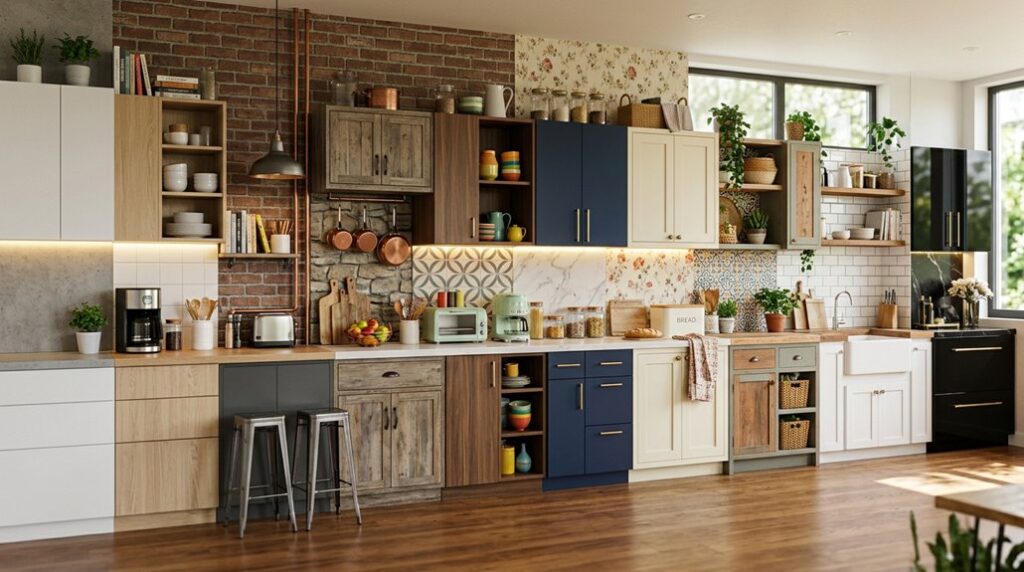
I’ve found that creating an effective Sims 4 kitchen doesn’t require choosing between style and function. Whether you’re drawn to monochrome elegance with black marble countertops or warm retro aesthetics, the foundation rests on understanding how layout, materials, and lighting work together.
The real challenge isn’t selecting individual elements; it’s knowing which combinations actually work well in your space. Let’s explore what separates outstanding kitchens from ordinary ones.
Modern Kitchen Ideas: Black, Grey, and White Elegance
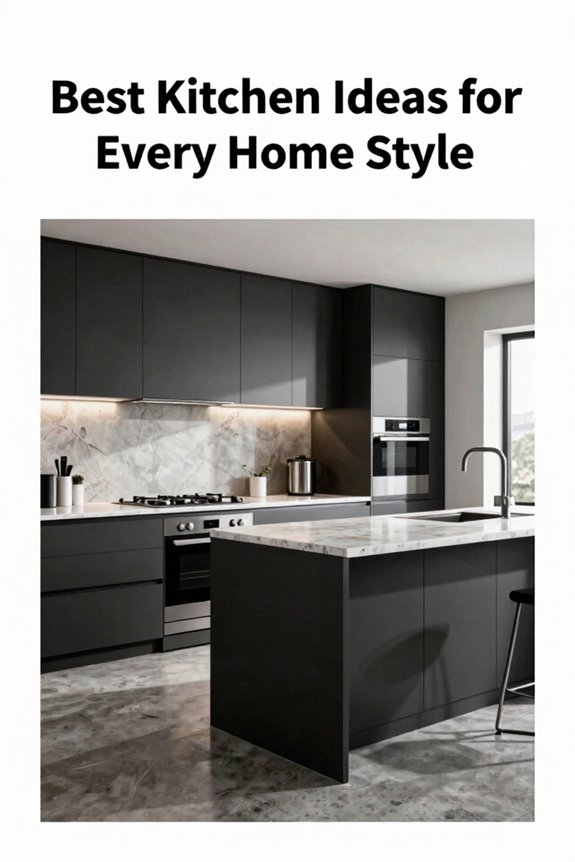
What makes a modern kitchen feel both sophisticated and livable? The answer lies in a carefully balanced black, grey, and white palette that creates visual harmony. I recommend pairing black marble countertops with matching cabinetry, creating a unified foundation that grounds the space. Grey brick walls introduce texture without overwhelming the design, while off-white flooring prevents the darkness from feeling oppressive.
High-quality black appliances, including a double fridge/freezer, reinforce this contemporary aesthetic while maintaining functionality. The contrast between dark elements and light surfaces creates visual interest that keeps the kitchen feeling fresh rather than austere. An open archway connecting to your dining area, supported by integrated sideboards, preserves flow while the monochromatic palette ensures continuity throughout, establishing a kitchen where modern design meets everyday comfort.
Layout Fundamentals: Open-Concept Flow and Space Planning
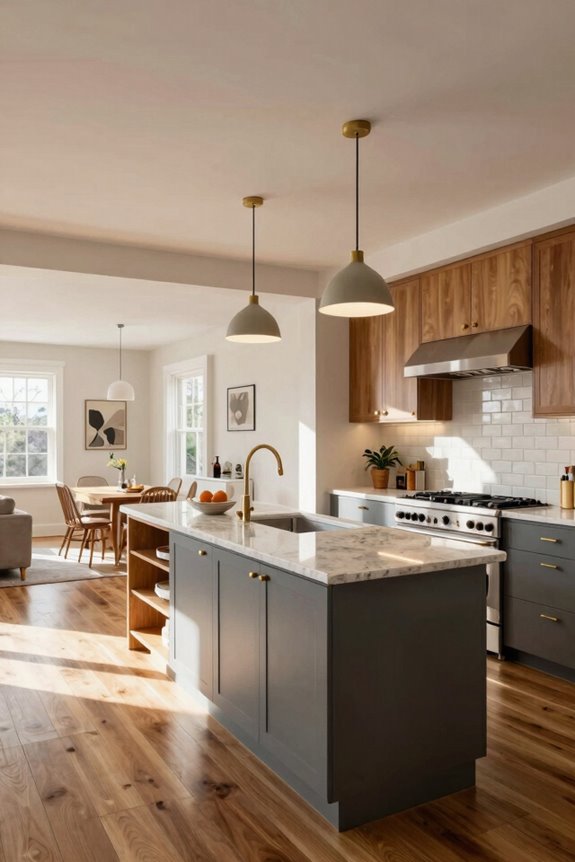
While a refined black, grey, and white palette establishes visual sophistication, the kitchen’s true livability depends on how you organize the space itself. Open-concept layouts eliminate walls between kitchen and dining room, enabling smooth movement and conversation during dinner parties.
Open-concept kitchens eliminate walls, enabling smooth movement and conversation while hosting dinner parties effortlessly.
I recommend implementing these layout fundamentals:
- Maintain two squares of clearance before your prep area, stove, and sink to prevent traffic bottlenecks
- Position frequently used objects at opposite points, reducing cross-traffic and optimizing your workflow
- Install an island with seating to serve as a flexible prep station and casual gathering space
Create continuous flow through an open archway connecting your kitchen to the dining room. This configuration lets you move around easily while hosting, facilitating natural social interaction. Strategic spacing makes your kitchen both functional workspace and inviting social hub.
Counter and Cabinet Shapes That Define Your Style
I’ll move beyond standard rectangular counters to show you how varied shapes affect your kitchen’s visual identity and functionality. When you disable the automatic counter tool, you’re free to mix triangular sections with curved islands; combinations that create distinct traffic patterns while breaking up monotonous layouts that typically plague smaller kitchens.
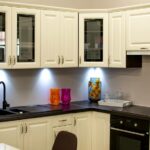
Pairing these geometric variations with contrasting cabinet styles, like solid-front uppers paired with glass-front displays showcasing your dish collection, establishes the multi-dimensional aesthetic that separates memorable designs from forgettable ones.
Beyond Standard Rectangle Shapes
Once you turn off the automatic counter tool in The Sims 4, you’ll gain access to triangular, curved, and angled counter sections that break away from monotonous rectangular layouts. I’ve found that experimenting with these shapes improves your kitchen’s visual flow significantly.
- Preview each counter section in-game before permanent placement to ensure proportions match your design vision
- Combine triangular and rounded elements with standard counters to create dynamic, balanced compositions that feel well-planned
- Pair diverse counter shapes with strategically positioned islands to enhance both functionality and aesthetic appeal
These varied shapes reduce visual monotony while improving traffic patterns. Mixing rounded counters alongside angled sections creates visual interest without chaos.
Non-rectangular designs offer practical benefits too. They naturally guide movement through your kitchen space and prevent cramped, awkward layouts that impede your Sims’ daily routines.
Dynamic Island And Counter Combinations
Your kitchen’s visual personality emerges most distinctly through the interplay between island design and surrounding counter configurations. I recommend turning off the automatic counter tool to access triangular and rounded sections that create dynamic silhouettes.
Interchanging island shapes with adjacent counter sections breaks up monotonous straight runs, establishing visual interest that anchors your space. Position islands at least two squares away from key work zones to maintain proper flow.
Combine contrasting finishes, such as black worktops paired with lighter cabinets, to define your kitchen’s aesthetic unity. Preview each counter section in-game before final placement, ensuring the silhouette harmonizes with your cabinetry and appliances. This intentional coordination brings together disconnected elements into a unified, purposeful design that reflects your home’s distinctive character.
Add Visual Interest: Texture and Accent Walls
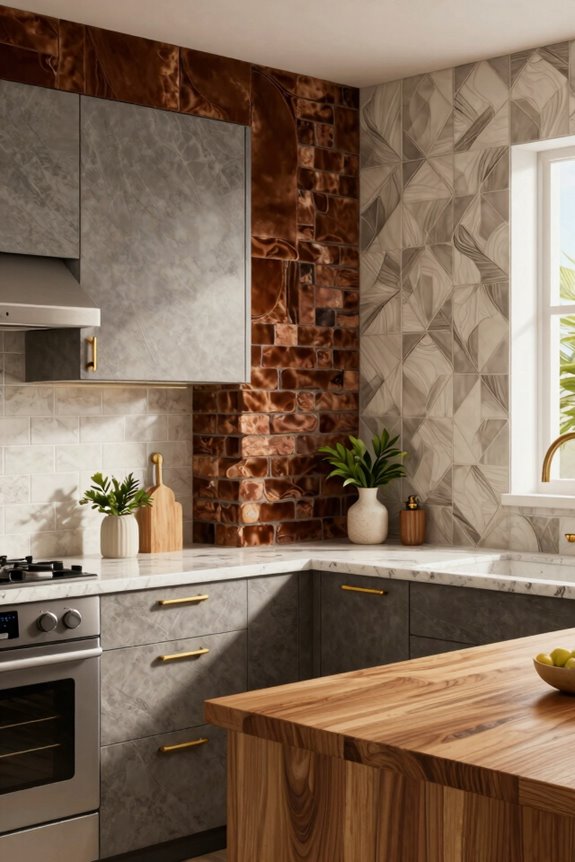
How do designers prevent kitchens from feeling flat and one-dimensional? They layer textures strategically across surfaces. I’ve found that mixing materials creates depth without overwhelming the space.
- Combine grey brick accent walls with smooth plaster or wood elements to establish a focal point behind your cooking area
- Pair bold textures like concrete panels with lighter walls to maintain visual balance and prevent the kitchen from feeling cramped
- Vary textures across backsplashes, walls, and accent features while maintaining a cohesive color palette
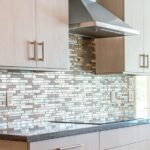
When you integrate metallic surfaces alongside matte finishes, you’re creating contrast that complements both cabinet styles and countertop materials. The key is ensuring these textural choices work together rather than competing visually. This approach creates a kitchen that feels well-designed and intentionally planned.
Essential Appliances and Built-in Storage
Because appliances anchor both function and aesthetics in any kitchen, selecting them strategically determines whether your space feels cohesive or disjointed. I’d recommend prioritizing high-quality built-in black appliances, particularly a double fridge/freezer that anchors your layout while providing essential storage capacity. Integrated electric cookers maintain that sleek, seamless cabinet line you’re after. Pair your microwave and sink in silver or black finishes to reinforce contemporary consistency throughout the space.
Wall-length cupboards maximize storage and keep countertops clear for prep work. A central built-in storage hub with shelving houses dishes, utensils, and small appliances for convenient access. These deliberate choices create a unified aesthetic that results in a kitchen designed with clear intention, a space where you’d genuinely want to spend time.
Island and Breakfast Bar Designs for Entertaining
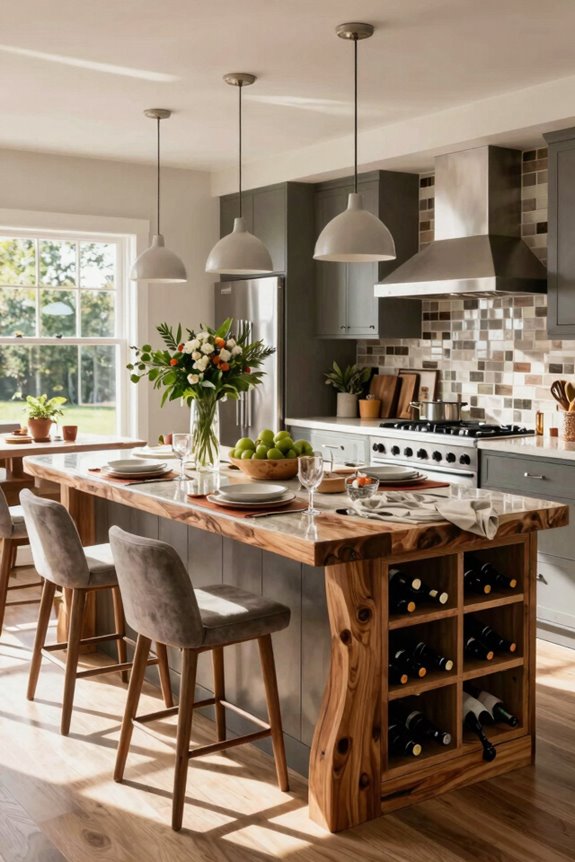
Once you’ve anchored your kitchen’s functional backbone with strategic appliance placement and storage, the island becomes your next design priority—it’s where aesthetics meet entertaining purpose. I recommend designing your island with intention:
- Maintain at least two squares of clearance on all sides, ensuring smooth traffic flow between the island, prep area, stove, and sink
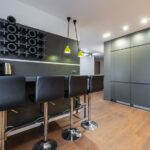
- Incorporate a breakfast bar with seating, leaving adequate space behind stools for movement, especially critical in open-concept layouts
- Mix shapes by pairing rectangular counters with triangular or rounded island sections, creating visual dynamism
Pair bold island finishes, such as black cabinetry or metallic accents, with lighter wall and floor tones for visual balance. Position your island near dining areas through wide pass-throughs, facilitating seamless entertaining and social interaction. This strategic placement makes your kitchen function as a genuine gathering hub.
Color Palettes: Retro to Modern Aesthetics
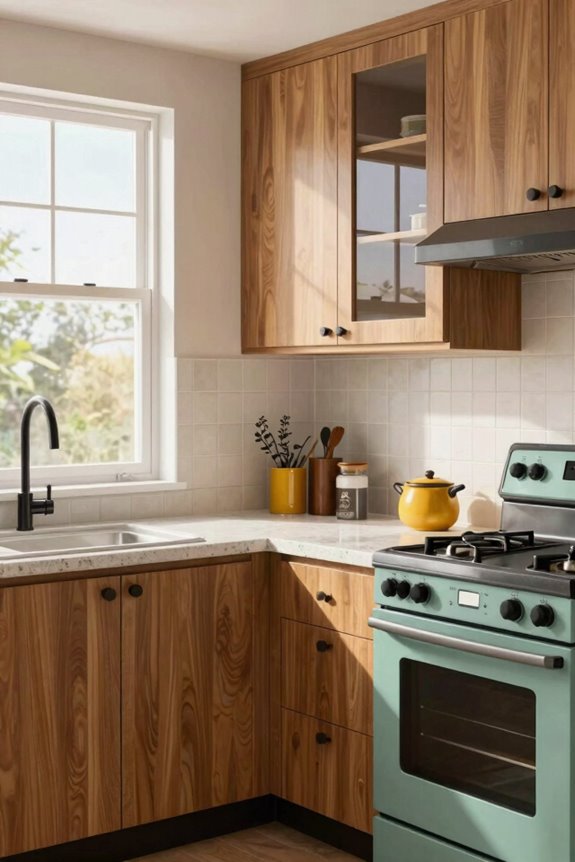
I’ll guide you through three distinct color approaches for your Sims 4 kitchen, moving from dated to contemporary styles. Bold monochromatic modern schemes, such as black cabinetry paired with grey brick walls and off-white flooring, create visual hierarchy through material contrast rather than color variation. Black worktops and cupboards in matching shades reinforce unity across the space.
Retro warmth meets sleek design when you maintain that black-grey-white foundation yet introduce accent colors through kitchen clutter, personal wall decor, and green plants. These soften the modern aesthetic without compromising its clean lines. Accent colors for visual interest work best as deliberate touches rather than dominant features, allowing stone flooring and consistent kitchen-dining schemes to anchor the overall design.
Bold Monochromatic Modern Schemes
How can you create visual impact in a kitchen without relying on color variety? Bold monochromatic modern schemes utilize contrast and texture to deliver sophistication in your Sims 4 kitchen.
I recommend focusing on these design strategies:
- Pair dark surfaces with light backgrounds: black worktops and cupboards against grey brick walls and off-white flooring establish visual hierarchy while maintaining unity
- Reinforce streamlined aesthetics through material consistency: matching cupboard and worktop shades creates an integrated appearance; metallic accents or glass-front cabinets add dimensional depth
- Balance minimalism with warmth: warm lighting softens high-contrast surfaces, preventing sterility while preserving the contemporary feel
This approach eliminates color competition, allowing architectural elements and lighting to command attention. Introduce bold accents sparingly through decor or plants, preserving your chic monochromatic foundation while preventing visual chaos.
Retro Warmth Meets Sleek Design
While monochromatic schemes rely on contrast and texture alone, blending retro warmth with sleek design introduces color as a storytelling element that nods to mid-century aesthetics while maintaining contemporary edge. I pair warm wood tones and brass accents with black or charcoal cabinetry to achieve this balance.
Grey brick walls and off-white flooring echo retro-metropolitan vibes while keeping the space bright. Black marble worktops paired with matching cupboards create high-contrast surfaces that remain timeless. Metal hardware in stainless or brass, along with open shelving displaying dishware, enhances the retro-to-modern transition.
An open-concept layout with central island and breakfast bar maintains workflow efficiency. I keep two clear squares in front of work zones to prevent traffic congestion, making the kitchen both functional and visually inviting.
Accent Colors For Visual Interest
To create visual interest in a retro-modern kitchen beyond neutral foundations, introducing a single bold accent color brings personality and depth to the space. I’ve found that pairing black, grey, and white cabinetry with emerald green or cobalt blue creates cohesion without monotony.
The strategic placement of accent colors maximizes impact:
- Feature one brick or painted wall behind your prep zone as a visual anchor
- Incorporate metallic backsplashes and stone flooring to amplify your chosen accent through texture variation
- Apply warm accents (red, orange) near cooking areas for energy; reserve cool tones (teal, navy) for adjacent dining zones
This layered approach prevents visual clashing. Mixed materials like grey brick, stainless steel, and natural stone enhance depth while your accent color commands attention without overwhelming the kitchen’s sophisticated balance between retro warmth and modern restraint.
Connect Kitchen and Dining: Open Archways and Seamless Flow
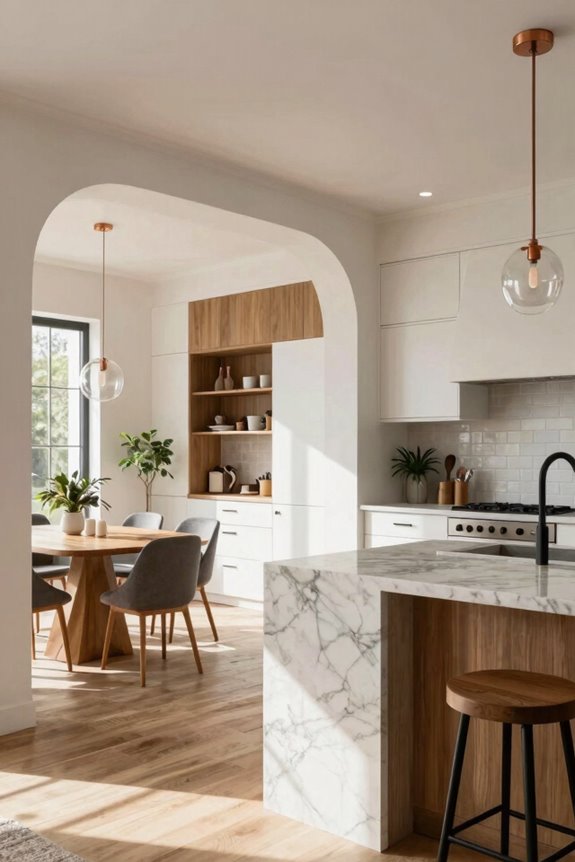
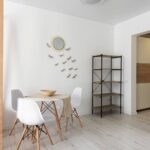
One of the most effective ways to enhance your Sims home’s functionality is by removing the barrier between kitchen and dining spaces through an open archway. I’d recommend positioning your dining room adjacent to the kitchen with a large archway that maintains visual openness while defining separate zones. This design choice facilitates effortless movement during events and simplifies serving.
Keep your kitchen layout with two blocks of open space in front of prep, cooking, and cleaning zones to prevent traffic jams. Aligning color schemes, such as grey brick walls in the kitchen with complementary tones in the dining space, creates a unified appearance across both areas. Consider adding a breakfast bar or island seating facing the dining area; this arrangement encourages social interaction while reinforcing your open-concept design.
Lighting and Plants: Kitchen Finishing Touches
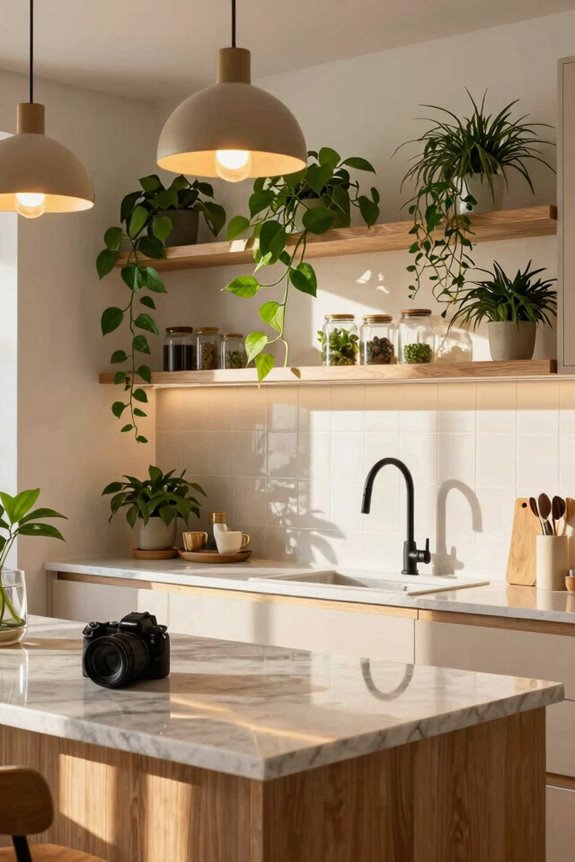
Now that you’ve established a cohesive kitchen-dining flow, layered lighting and strategic greenery make those spaces more visually compelling than purely functional rooms. I recommend implementing this three-part approach:
- Layered lighting design: Combine ambient ceiling fixtures with task lighting beneath cabinets and decorative pendant lights above islands, creating both functionality and atmosphere simultaneously.
- Strategic color temperature placement: Position cooler, brighter lighting near prep zones while warming tones near dining areas, establishing visual hierarchy without overwhelming the space.
- Living greenery integration: Small potted plants on countertops or hanging herb gardens add color while improving the sense of freshness throughout your kitchen.
Install dimmable controls to adjust mood during entertaining or casual dining. Consider wall-mounted fixtures highlighting textures like brick or metallic surfaces, avoiding glare while enhancing design details you’ve carefully selected.
Common Kitchen Layout Mistakes and How to Fix Them
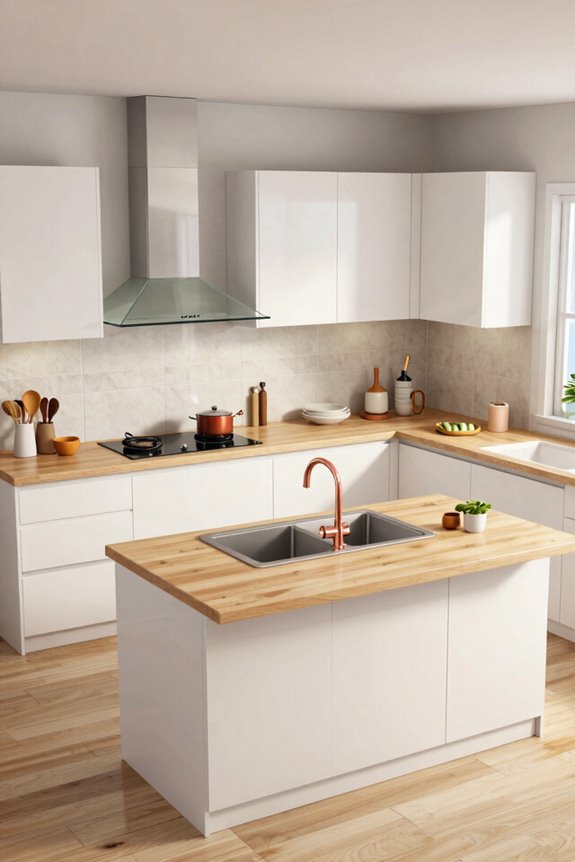
I find that players frequently bungle their Sims’ kitchens by cramming the stove, sink, and prep zones into tight clusters, which creates bottlenecks when multiple Sims need to cook or clean simultaneously. You’ll want to establish a proper workflow triangle with at least 2 squares of clear space in front of both your stove and sink.
Positioning these appliances on opposite sides of the kitchen allows traffic to flow naturally without congestion. Neglecting island clearance and sightlines between your kitchen and dining areas compounds these problems, so I recommend maintaining adequate buffer zones around islands and keeping walls open where possible to prevent that claustrophobic, inefficient feel.
Traffic Flow Management
Why do your Sims constantly bump into each other while cooking, and how can you prevent kitchen gridlock?
I’ve found that strategic placement makes congested kitchens functional. Here’s what works:
- Position your prep area, stove, and sink at opposite ends to create natural movement patterns and reduce collisions during meal preparation.
- Maintain at least 2 squares of open space in front of key appliances, preventing bottlenecks when multiple Sims cook or clean simultaneously.
- Avoid placing islands directly in line with counters, instead leaving breathing room between islands and surrounding surfaces for clearer primary routes.
I recommend testing your layout using the move objects tool. Preview traffic patterns before finalizing furniture placement. This adjustment phase catches bottlenecks early, so your kitchen flows smoothly rather than becoming a congestion point.
Appliance Placement Zones
While traffic flow management prevents your Sims from colliding in tight spaces, appliance placement determines whether they’ll move efficiently or waste steps reaching important tools. I recommend positioning your stove and sink on opposite sides of a central work zone, creating natural 2-square clearances that minimize unnecessary movement.
You’ll want a dedicated prep area positioned between your fridge and oven, with at least one clear pathway connecting the fridge to the sink. Grouping high-use appliances—your microwave, coffee maker, and toaster—in a single zone near the prep area reduces step-distance during cooking sessions.
Your double fridge-freezer should sit within easy reach of both prep and dining areas, avoiding direct doorway placement that creates bottlenecks and disrupts workflow efficiency.